A finance app that never asks for your bank login
Bolso tracks expenses, income and budgets entirely on your iPhone. There is no bank connection to authorise and no account to create. Turn sync on and it runs through your own iCloud account. No server of ours holds your financial history, because we run no servers at all.
Why almost every expense app wants your bank
Connecting a bank account is the opening screen of most finance apps. It is also the moment your transaction history starts sitting with a data aggregator you never chose, reading it on the app's behalf.
For plenty of people that is a fair trade: in return, transactions appear on their own. For others it is exactly why the app never gets installed — the financial picture is private, shared at most with the person they live with, and there is no appetite for putting it in a third party's database.
Bolso is for the second group. The app talks to no server except Apple's: sync and purchases go through Apple's own services, between your iPhone and your account.
How it works with no bank connection
- 01
You enter what you spend
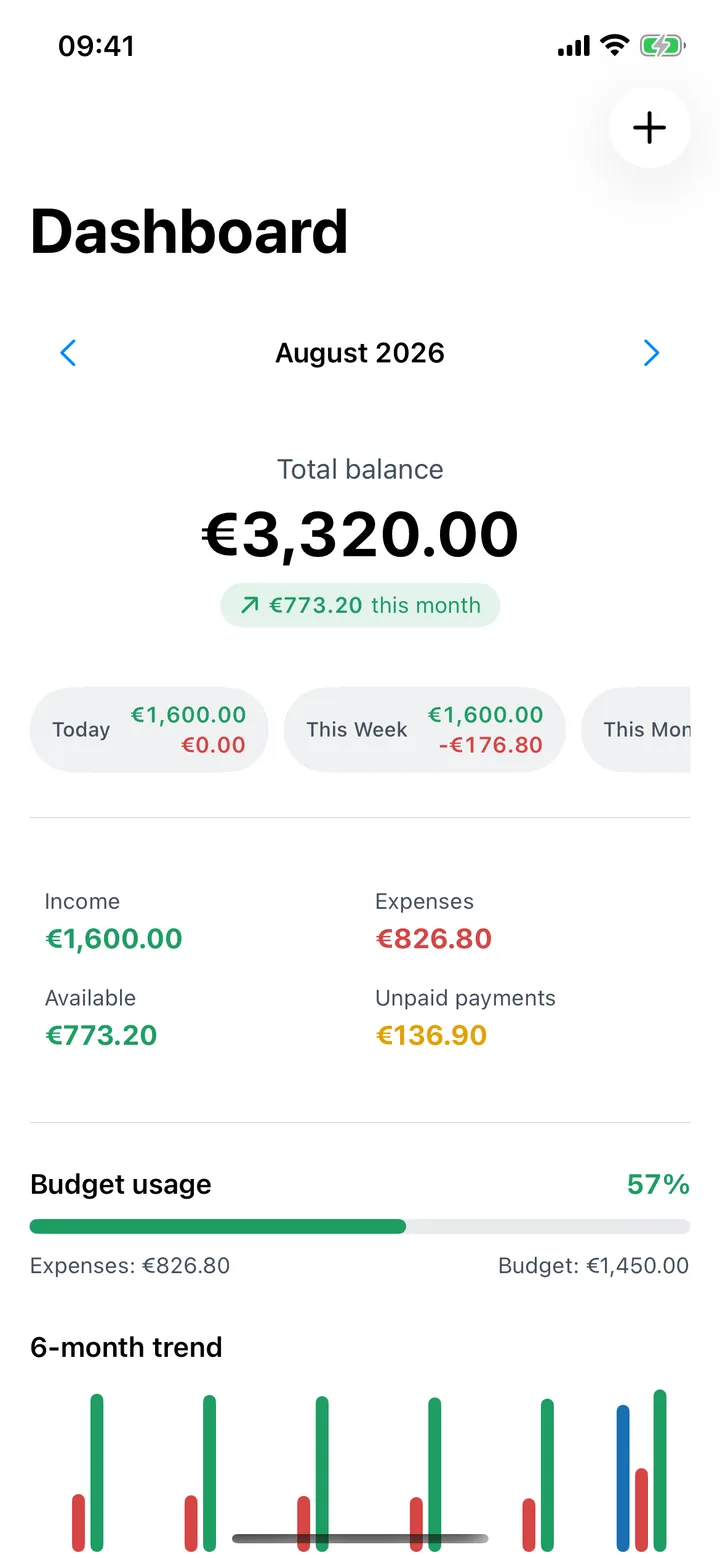
Amount, category, who it was with, and a photo of the receipt if you want one. Nothing to import and no feed to reconcile against.
- 02
Receipts are read on the iPhone itself
Text recognition runs on the iPhone itself, using Apple's technology, in English and European Portuguese. Attachments never leave your device or your iCloud account.
- 03
Sync is yours, or it does not happen
With iCloud on, data syncs through your own private account, in a container we never have access to. Turn it off and the app keeps working on local data.
- 04
Nothing is sent to us
No analytics, tracking or crash-reporting tools. No advertising identifier, no fingerprinting, no cookies. The app receives one signal from Apple: whether a Bolso Pro subscription is active.
What Bolso does not do
It does not connect to banks, so transactions do not appear on their own — you enter them. That is the trade the whole app is built on, and it is deliberate.
It does not give financial advice. Budgets and reports show you your own numbers; the decisions stay yours.
It keeps no copy of your data on our side, which also means we cannot recover anything for you. Control — export, delete, stop syncing — sits entirely in the app and your Apple account.
Common questions
- Can I take my data with me?
- Yes. Settings > Export data produces a JSON file, optionally including attachments, or an XLSX with the tabular data.
- What if I would rather not use iCloud?
- The app works the same. Without iCloud your data stays on the iPhone and is not synced anywhere.
- Can you see my transactions?
- No. We run no servers of our own and never have access to your iCloud account. Synced data is stored encrypted in your account, by Apple.
- How do I delete everything?
- Settings > Delete all data clears both the device and iCloud. You can also remove Bolso from your iCloud account in iOS Settings.
- Is the app free?
- The download is free and eligible users can choose to activate a common 7-day trial through iCloud with no subscription needed; access starts after confirmation. After that, features marked Bolso Pro need a monthly or yearly subscription.
Try it without connecting a bank.
Free on the App Store, with a common 7-day Bolso Pro trial that eligible users choose to activate through iCloud; access starts after confirmation.